Example pages
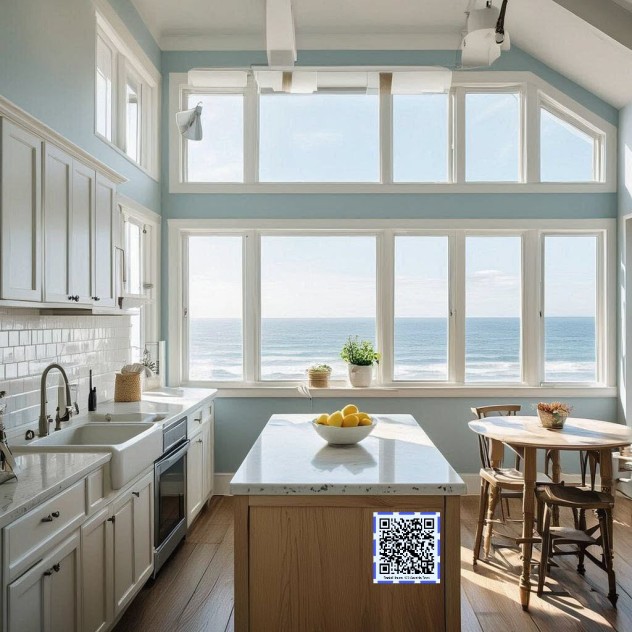 Vacation Rental
Guest Instructions for Vacation Rental
Store Wi-Fi passwords, locations of supplies, sightseeing tips, etc. Place the QR code somewhere visible like a kitchen to make your page accessible to guests.
View example
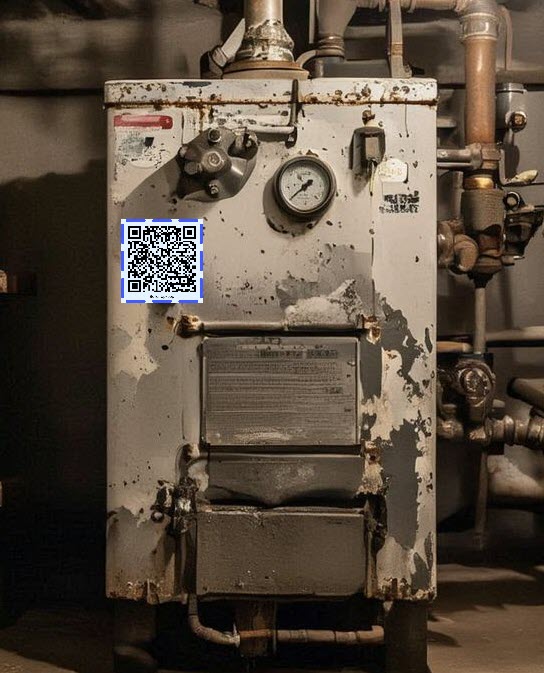 Maintenance
Maintenance Notes and Records
Easily store maintenance records, notes, tips, etc. in a consolidated digital location. Put the QR code on your appliance so you'll never lose track of records again.
View example
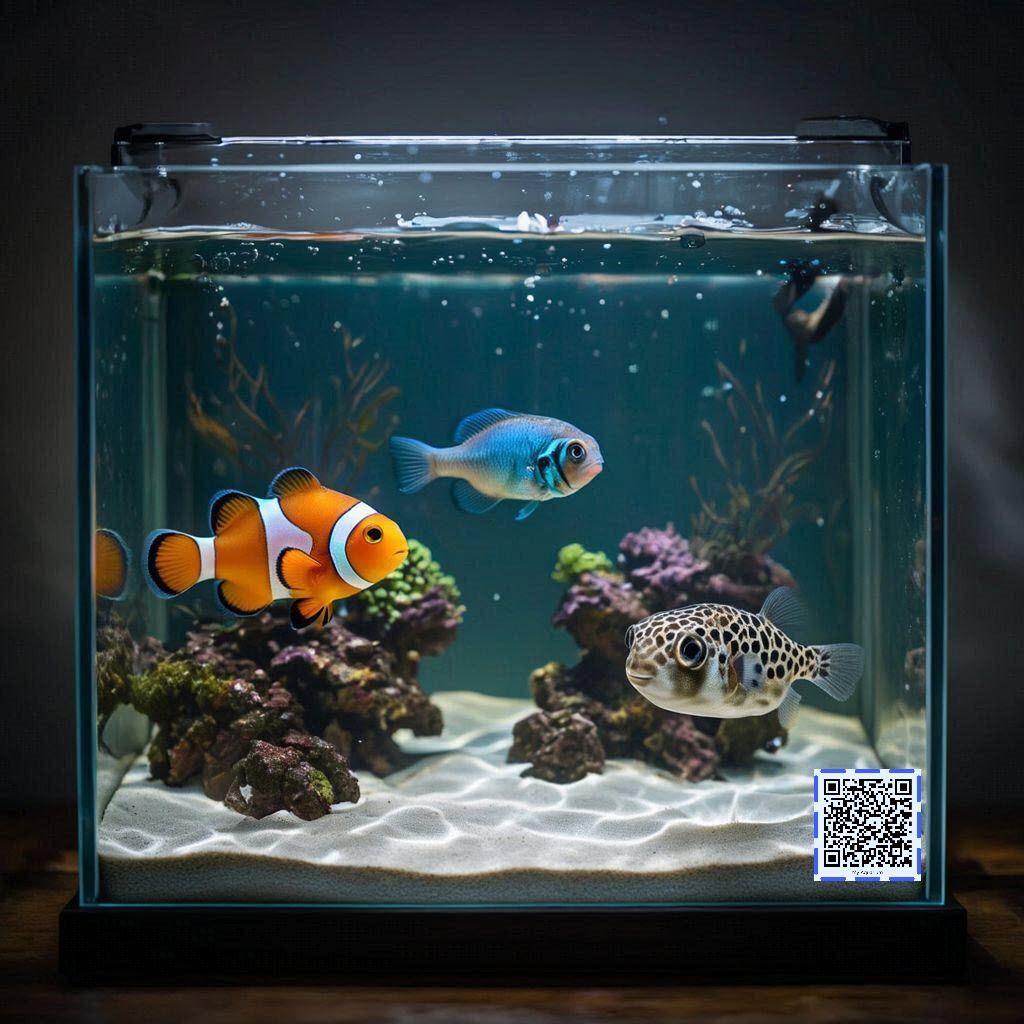 Hobby
Hobby
Hobby Notes
Keep track of where you left off on your hobbies and projects: record measurements, notes, data, activities--whatever matters to you. From aquariums, to cooking, to car projects, to brewing, sculpt it to be your own, and never lose track once you stick the QR code on your project.
View example
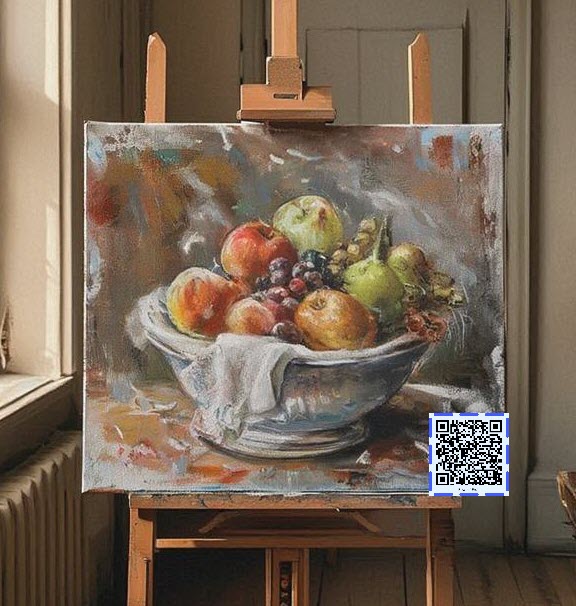 Exhibit
Public Exhibit
Tell the story of your public exhibit to anyone passing by. Add the background to engage viewers further and give the behind-the-scenes info to provide depth beyond what meets the eye. A small QR code on the exhibit is all it takes!
View example
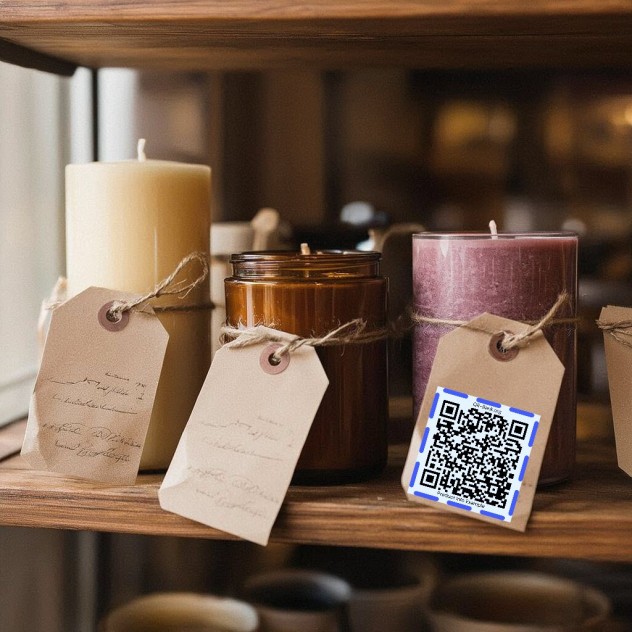 Products
Product Info
Give your customers the in-depth background on your products. Add all the info from A to Z, neatly presented on a screen while keeping your shelf space clear. Print a small QR code on the product tag to make it accessible!
View example
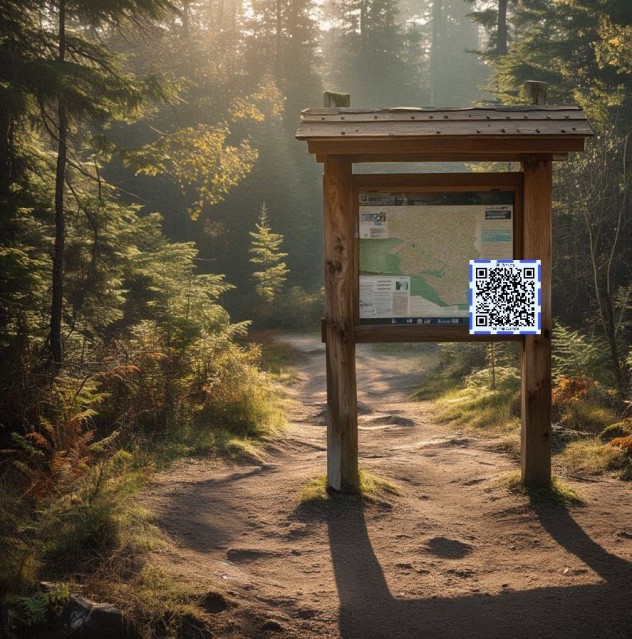 Info Board
Info
Provide up-to-date info for public places like trailheads, businesses, organizations, etc. Place the QR code somewhere visible like a trailhead or a door!
View example